 OQVIAN
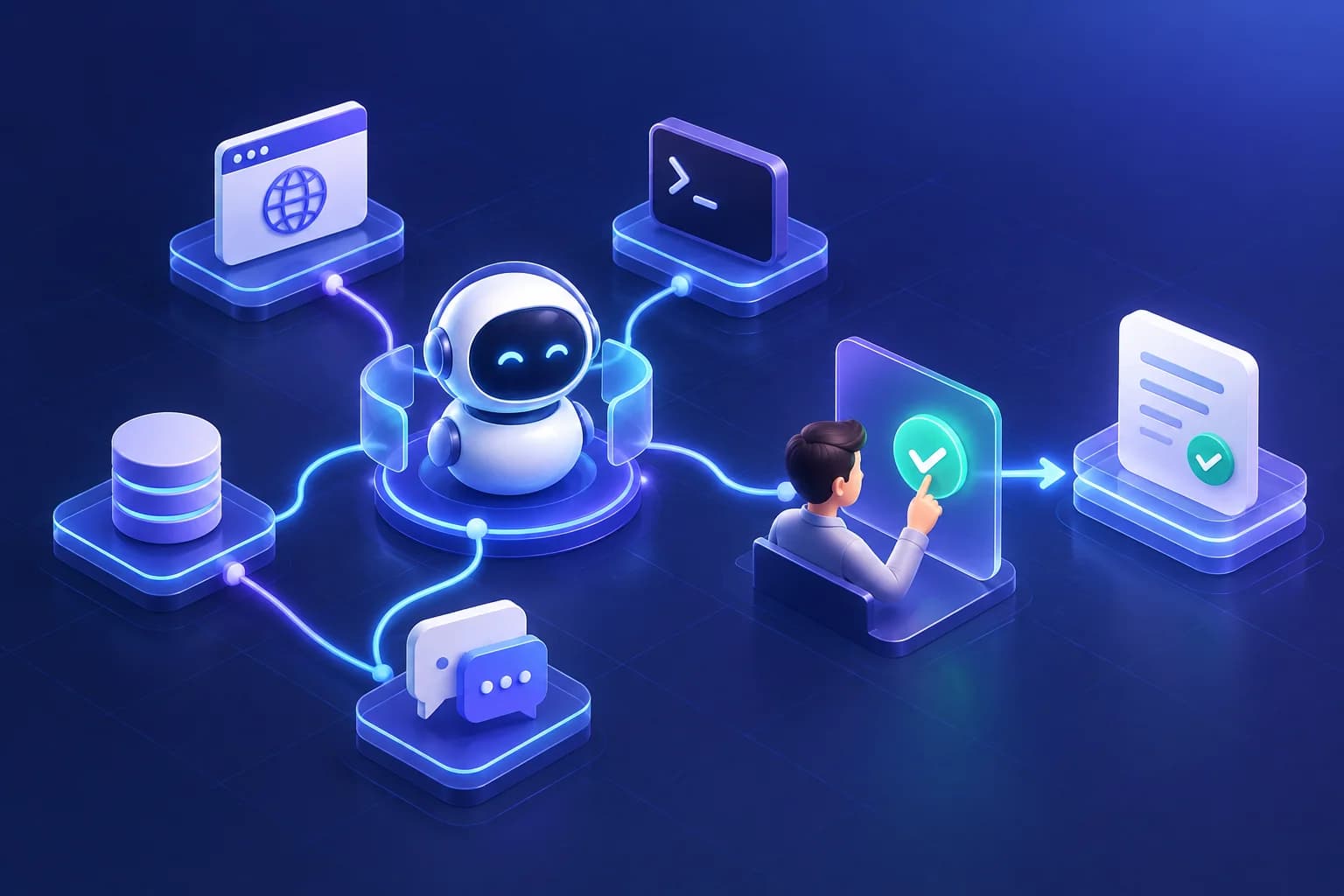 01 / AUTOMATION
OpenClaw
Agent routing across connected tools.
OQVIAN AUTOMATE
We build triggers, pipelines, and integrations that move work between the tools you already run — visible, ordered, and logged at every step.
OQVIAN Automate · SYSTEM MAP
See the building blocks of an automation: receive, validate, route, review exceptions, and record the result.
Selected component 01 / 05
A system event or scheduled trigger starts the workflow.
Tools & building blocks
Illustrative system map. Specific tools and integrations are chosen to fit each project.
AUTOMATION VISUALS
OpenClaw, Hermes, and n8n, each with its own visual.
01 / AUTOMATIONAgent routing across connected tools.
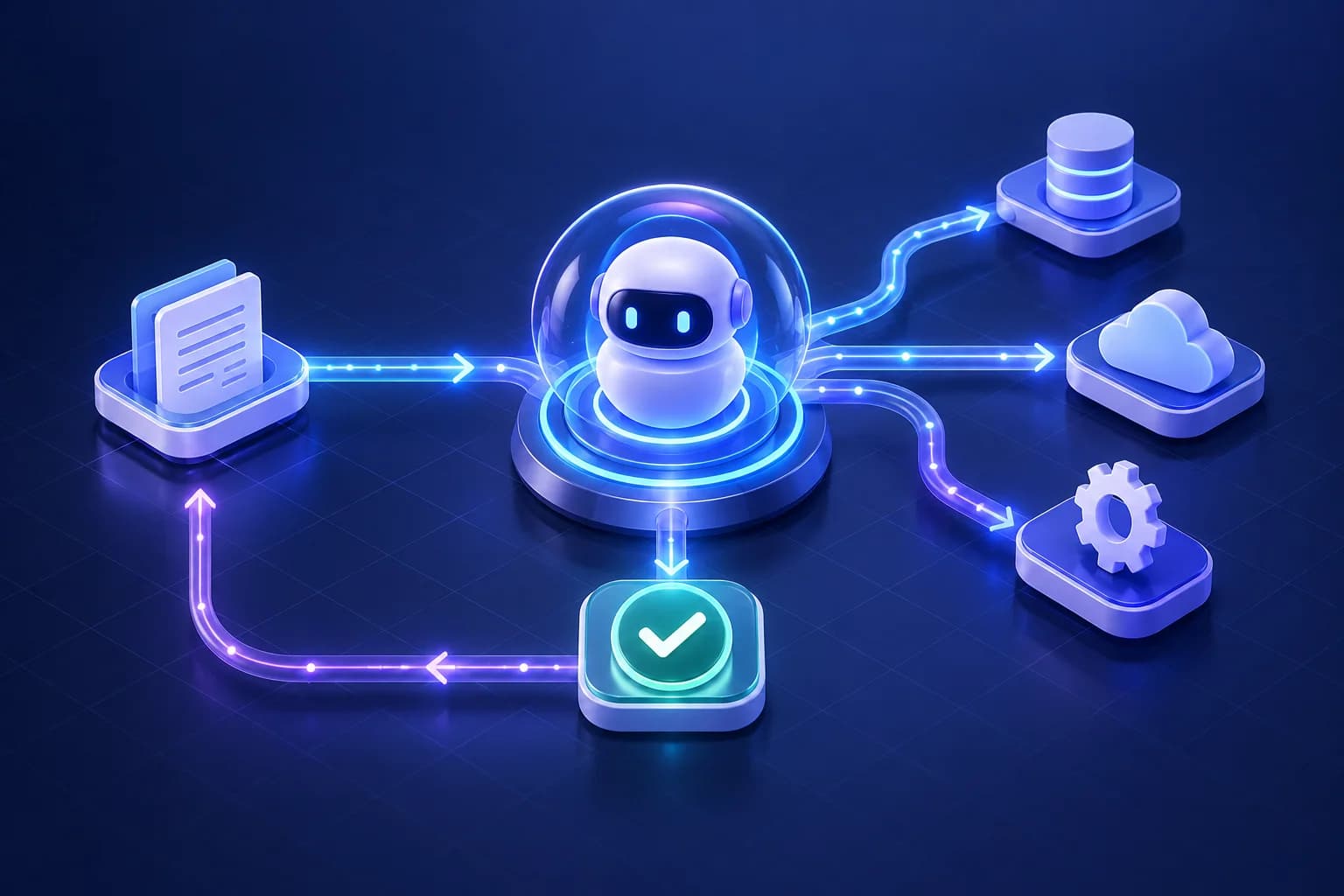 02 / AUTOMATION
Agent coordinating tools and review.
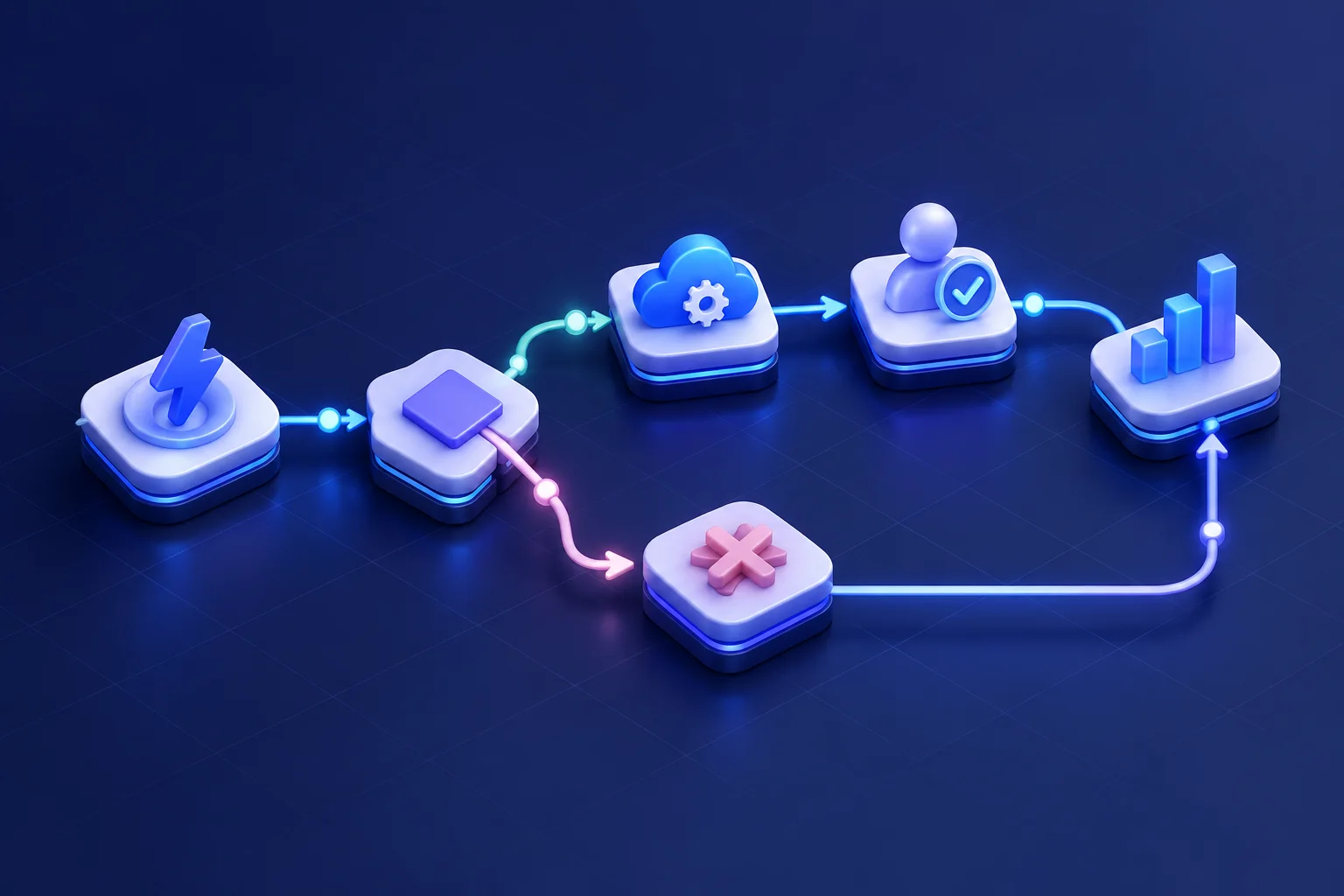 03 / AUTOMATION
Visual workflow from trigger to action.
Open-source agent playbooks
Browse documented OpenClaw and Hermes skills as step-by-step canvases. Previews are visual only.
OpenClaw / Browser
A careful browser loop: inspect the current page, act on a stable target, then verify the result.
Connected steps · click a node to inspect
READYSelected step
Check browser state
Confirm browser and profile availability before taking action.
What this preview does
Highlights the documented steps for demonstration. It does not connect to an agent, run tools, or change any account.
n8n · community workflow collection
2,061 templates · 188 categories · inspect a workflow as a visual execution preview
Community templates are previews; inspect and configure credentials before importing into your n8n instance.
Collection by Zie619 · MIT license
Simulated with sample data. Not a live system.
Incoming event
A system event arrives at the workflow entry point and is queued for processing.
What we build
We don't sell a single automation product. Each engagement is one or more of the systems below, scoped to a process you already have.
01
Turn a system event — a form submission, a status change, a schedule — into the start of a workflow.
02
Ordered, multi-step processes that move data and decisions between tools in a defined sequence.
03
Connections between the systems you already run, so they stay in sync automatically.
04
Recurring, time-based processes that run reliably without a person starting them each time.
Triggers & events
A trigger is the one thing allowed to start a workflow. We define it explicitly so a workflow never runs from something nobody intended.
Pipelines
Every OQVIAN pipeline follows the same shape, whatever it connects — inspectable at each stage, not a single opaque action.
Integrations
Internal copilots are only as good as what they can read; integrations are only as good as what they're allowed to touch. We scope both explicitly.
How we connect a system
We use the system’s existing API or webhook, authenticate with credentials scoped to only what the workflow needs, and map its fields to a shared internal format so other tools don’t need to know its specifics.
Integration pattern
Scheduling & operations
Every pipeline above runs under the same operational baseline.
Architecture
Different workflows above use this pattern with different steps filled in.
Select a step above to see what happens there.
AI + Automate
Most of a workflow is deterministic — move data, check a condition, call an API. Where a step needs judgment (is this ticket urgent, is this lead worth a call), an OQVIAN AI agent runs inside that one step and hands back a decision the rest of the pipeline acts on.
OQVIAN AIResilient, scalable cloud infrastructure and automated CI/CD pipelines engineered to power enterprise compute and intelligent workloads.
OQVIAN CloudEnterprise-grade defensive engineering and continuous threat mitigation. Protect your AI models and infrastructure with prompt injection defenses, data privacy boundaries, and automated incident readiness.
OQVIAN SecurityCustom web applications, enterprise software, and scalable digital platforms engineered for operational impact with resilient full-stack architectures.
OQVIAN DigitalPatterns, not promises
These are illustrative patterns, not case studies — we don't have published client results to share yet. Each one maps to the systems described above.
How we build this
Every step is visible. A workflow's steps and current state can be inspected, not just its final output.
Irreversible actions get a checkpoint. Anything that can't be undone waits for a person by design.
Failures are loud, not silent. A stuck or failed workflow surfaces immediately rather than quietly retrying forever.
Changes are versioned. Editing a live workflow doesn't affect runs already in progress.
Not every manual step needs automating — sometimes the honest answer is that it’s fine as-is, and we’ll say so.
Talk to an engineer